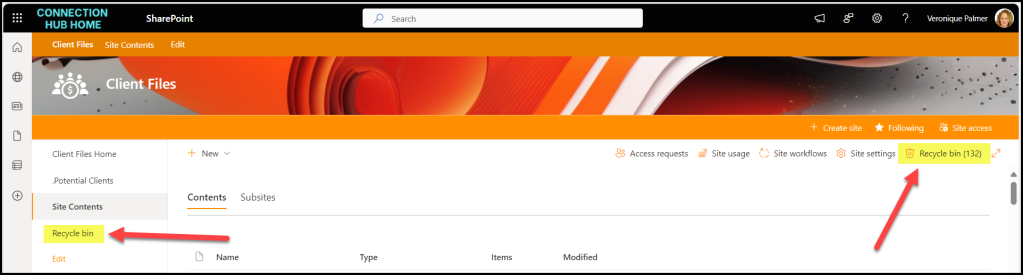
There is a Recycle Bin per site collection. It’s in different places depending on your site template type, but you can always see it from Settings > Site Contents.
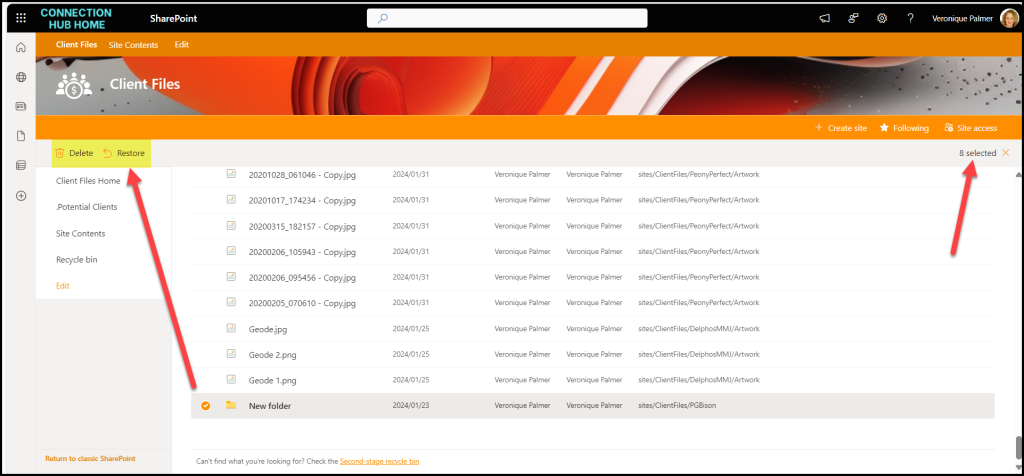
Select the files you want to action, and either delete or restore them.
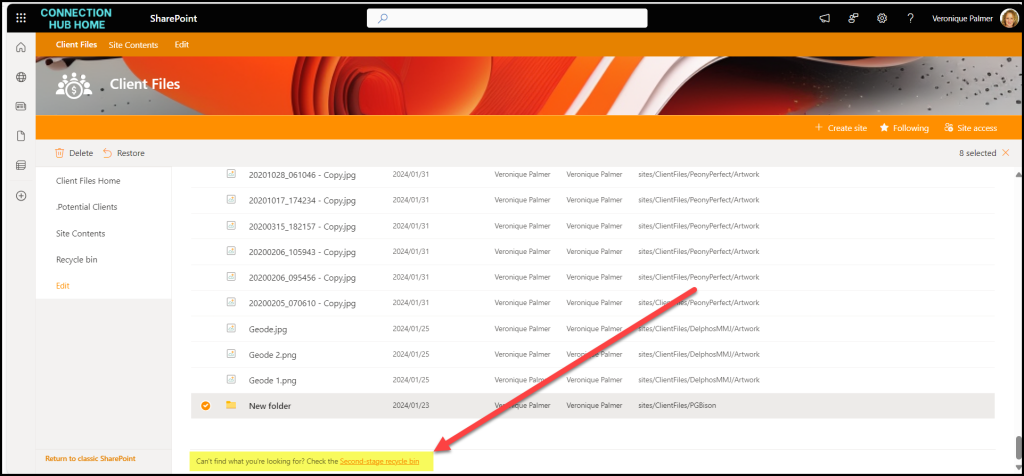
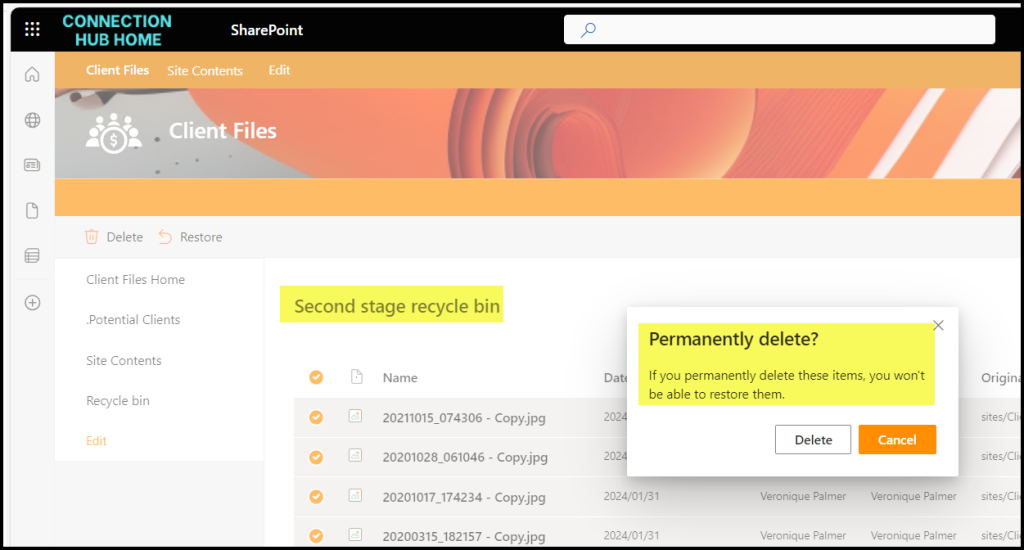
Items deleted from this first stage recycle bin go into the second stage recycle bin. In total, deleted items are kept for 93 days before being permanently deleted.
HOT TIP 1
If you move documents anywhere inside SharePoint or move them from SharePoint to OneDrive; it puts a copy of the document into the Recycle Bin. This affects your overall storage. So, if you’re running out of space on your tenant, check the first and second stage recycle bins in each site collection. Empty both of them then it will free up space in your tenant.
HOT TIP 2
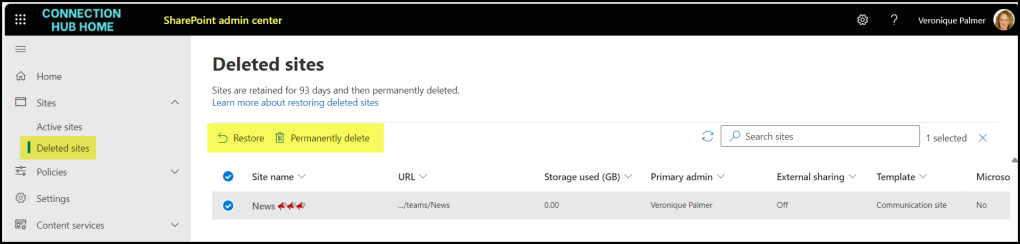
Deleted site collections go the Deleted Sites section in the SharePoint Admin Centre. These are also kept for 93 days before being deleted permanently.