


You have your own personal storage area called OneDrive. There is OneDrive Personal and OneDrive Business.
Look in your Windows Explorer. If your OneDrive icon has a company name next to it, it’s OneDrive for Business. That means it’s allocated to you by your company and subject to the IT settings they have configured.
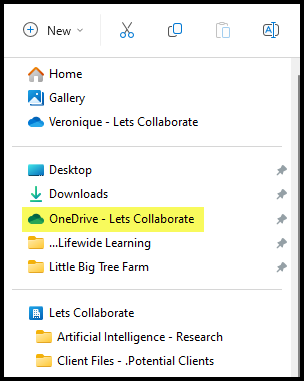
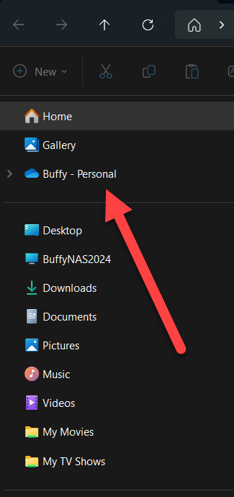
If it’s your personal account, it will have your name on it.
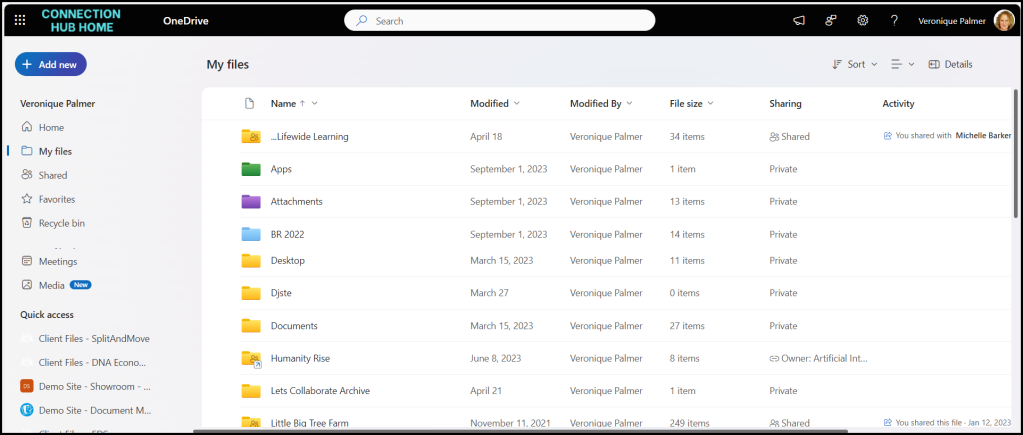
In either, you get to store your docs any way you want to. It’s your personal system that’s got nothing to do with anyone else. We use governance between SharePoint and OneDrive. SharePoint is for all company data that needs to be used by other staff members. OneDrive is for your personal content you’re not ready to share yet.
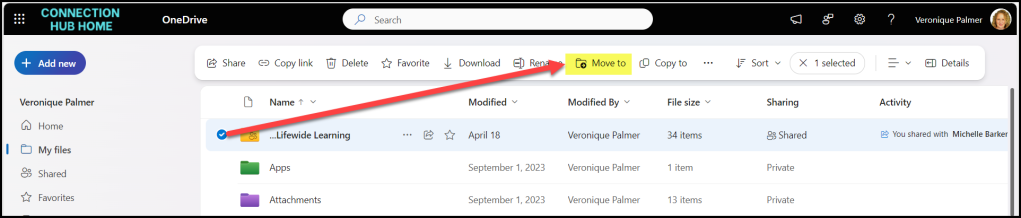
When you’re ready to share your content, you can move it to SharePoint for use by the team.
We also use OneDrive as a work-around for running out of space in SharePoint.


